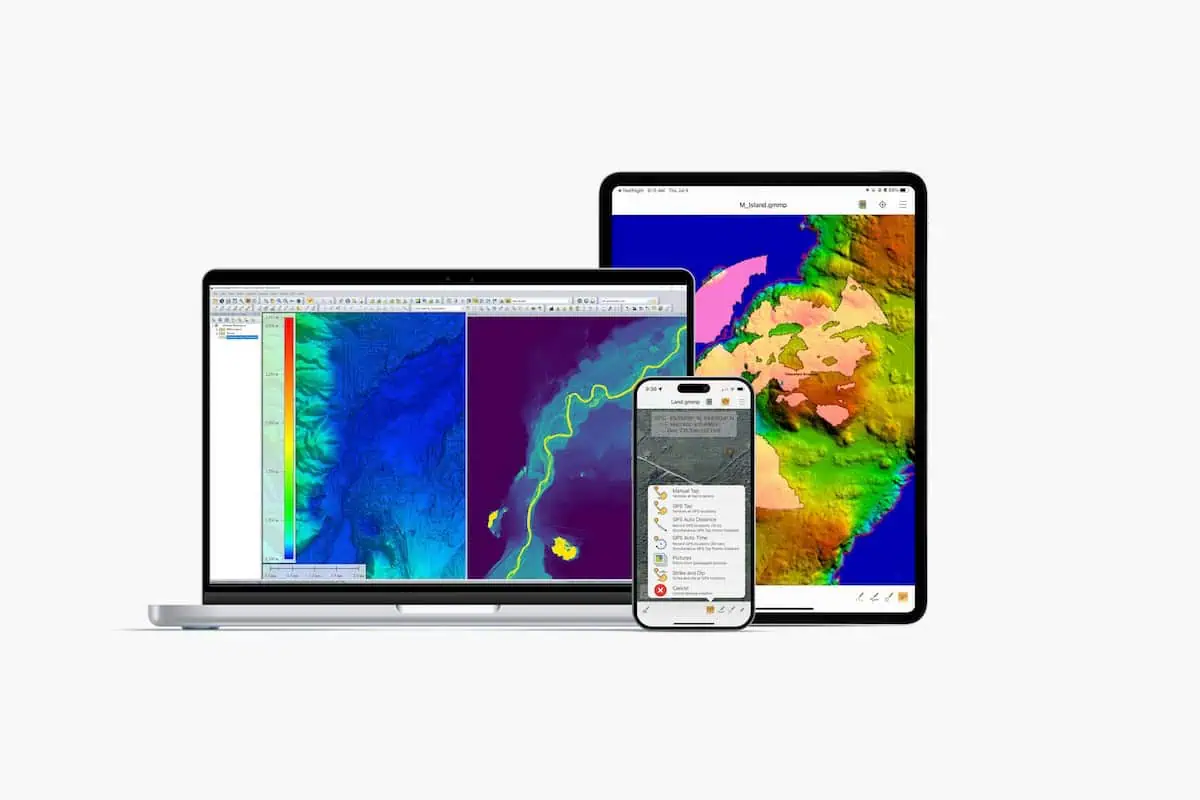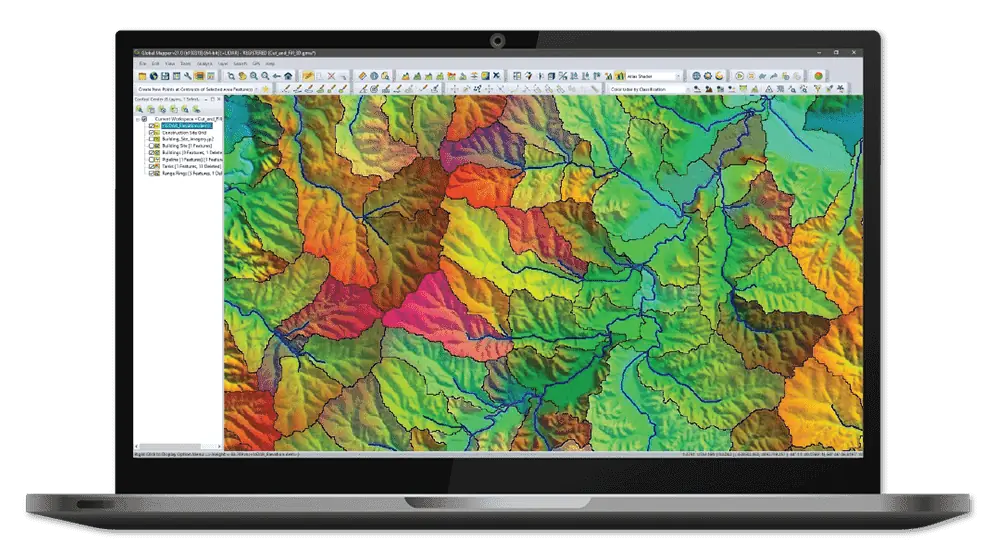


This visualization of the raw point cloud highlights elevation. Initially, all points in this dataset are unclassified.
A high-quality point cloud serves as an excellent foundation for Geographic Information system (GIS) workflows aimed at analyzing and modeling the terrain of a specific region. Utilizing Global Mapper Pro, you can transform a point cloud into a detailed topographic map. For a comprehensive guide, refer to Blue Marble Geographics’ article, “Creating a Topographic Map from a Point Cloud.” Discover more > >
A point cloud encapsulates the vegetation, natural landscapes, and human-made structures within a designated area. The initial phase in deriving data from a raw point cloud involves classification. This crucial step organizes the points into specific categories, enhancing the interpretability of the point cloud data. Once classification is complete, certain point classes can be emphasized or excluded in subsequent analyses.
The Automatic Point Cloud Analysis feature in Global Mapper Pro comes equipped with predefined class models for several frequently recognized point cloud categories, including noise, ground, vegetation, buildings, poles, and power lines. Not every dataset requires the identification of all these classes. For those that do, Global mapper Pro facilitates the execution of multiple classification routines with just a single click.
Learn more > >
Going beyond basic classifications, the geometric segmentation and custom classification capabilities in Global Mapper Pro allow for the identification of specific features within the point cloud, enabling the submission of additional classifications. In this instance, geometric segmentation has been employed to detect paved surfaces based on curvature and intensity metrics. A custom class is then assigned to the identified ground points that represent these paved areas, while smaller features like cars remain unclassified, simplifying the filtering process in global Mapper Pro.
By selecting the desired classes for identification in the point cloud and clicking on Classify Features, Global Mapper Pro analyzes the data and assigns points to all chosen classes.
The complete article includes:
- Extraction Techniques
- Terrain Analysis
- Map Creation Process
with the robust analysis and editing capabilities of Global Mapper pro, a variety of data types can be generated from a single point cloud to create a topographic map.To explore this workflow and other features of Global Mapper Pro with your own data, take advantage of a 14-day free trial today.
Read the complete article
, or visit the Blue Marble Geographics website for further information.