

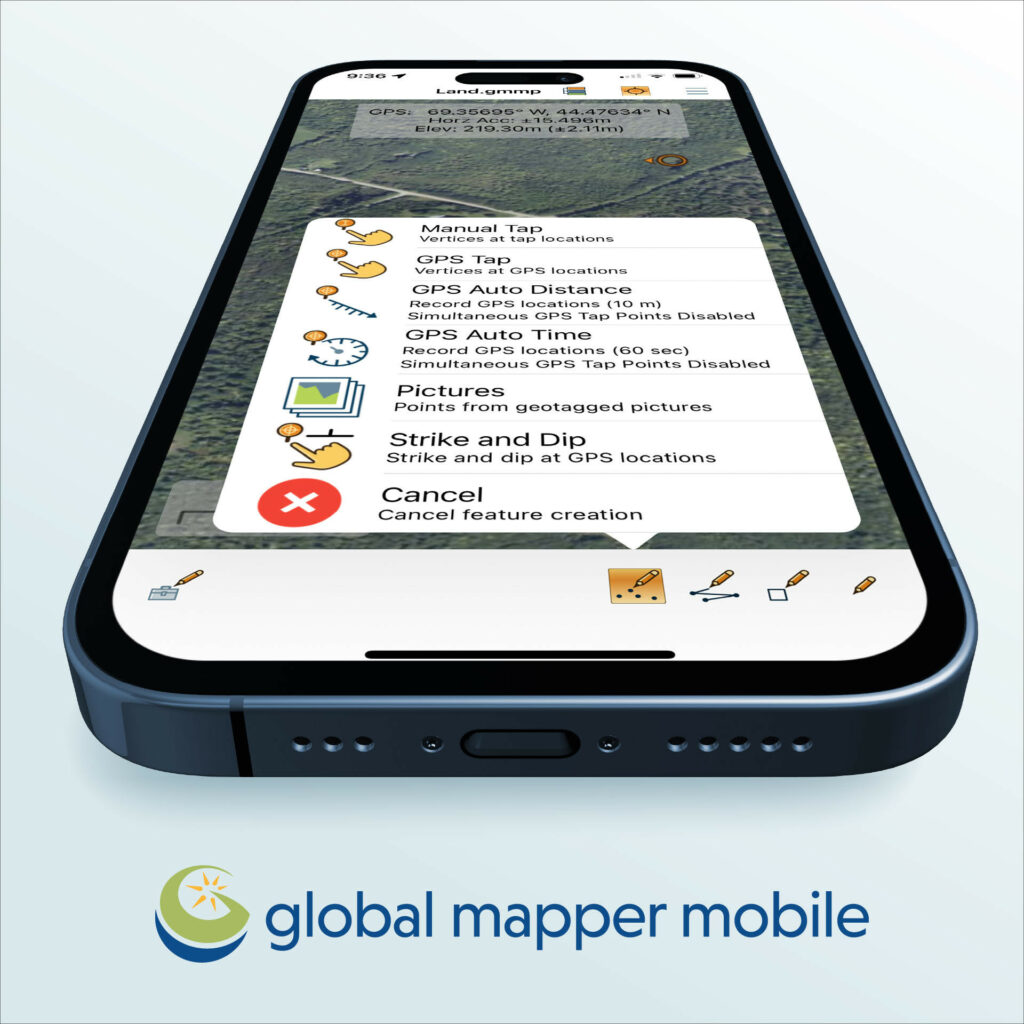
unveiling Global Mapper Mobile Version 2.4: Enhanced Features for Field Data Collection
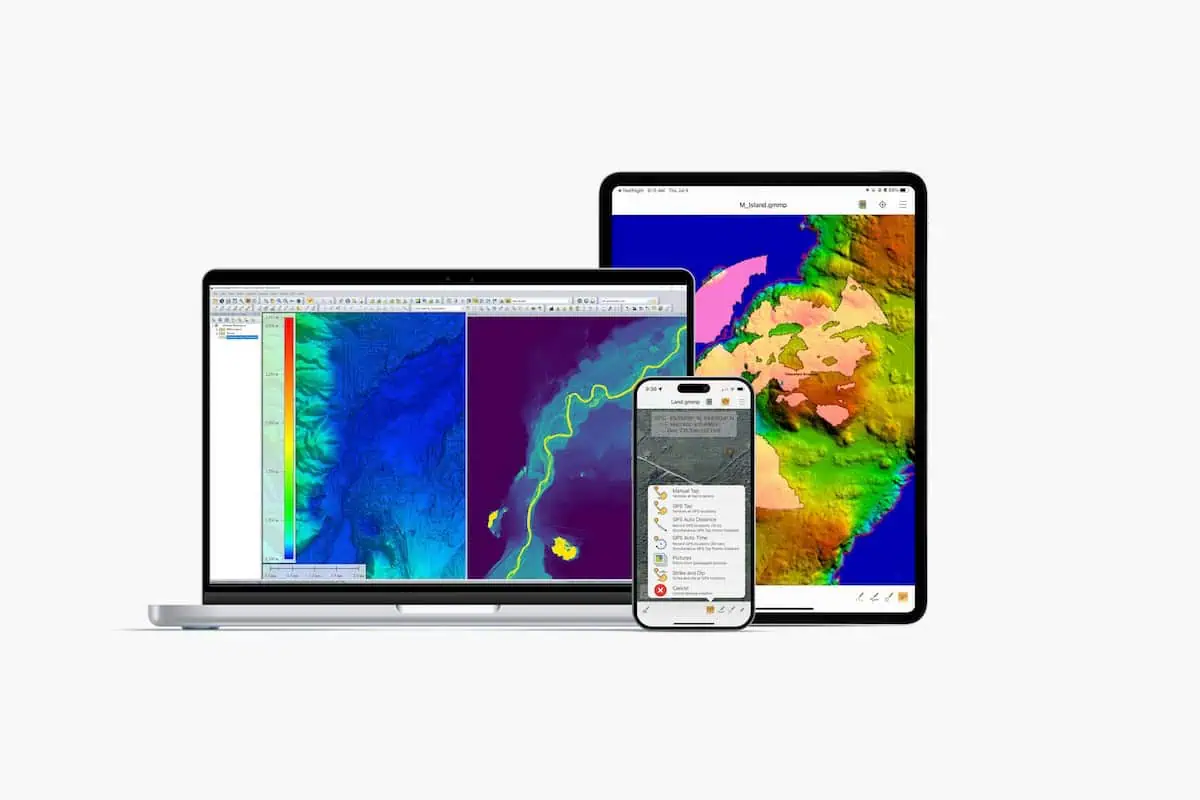
blue Marble Geographics has launched the latest iteration of its mobile application, Global Mapper Mobile version 2.4, which comes packed with innovative features including a Raster Info tool adn a digitizer trace mode.
Empowering Field data Collection
This mobile platform enables users to leverage the robust capabilities of Global Mapper alongside their existing datasets, facilitating efficient and precise data gathering and light processing in the field.
New Functionalities and Improvements
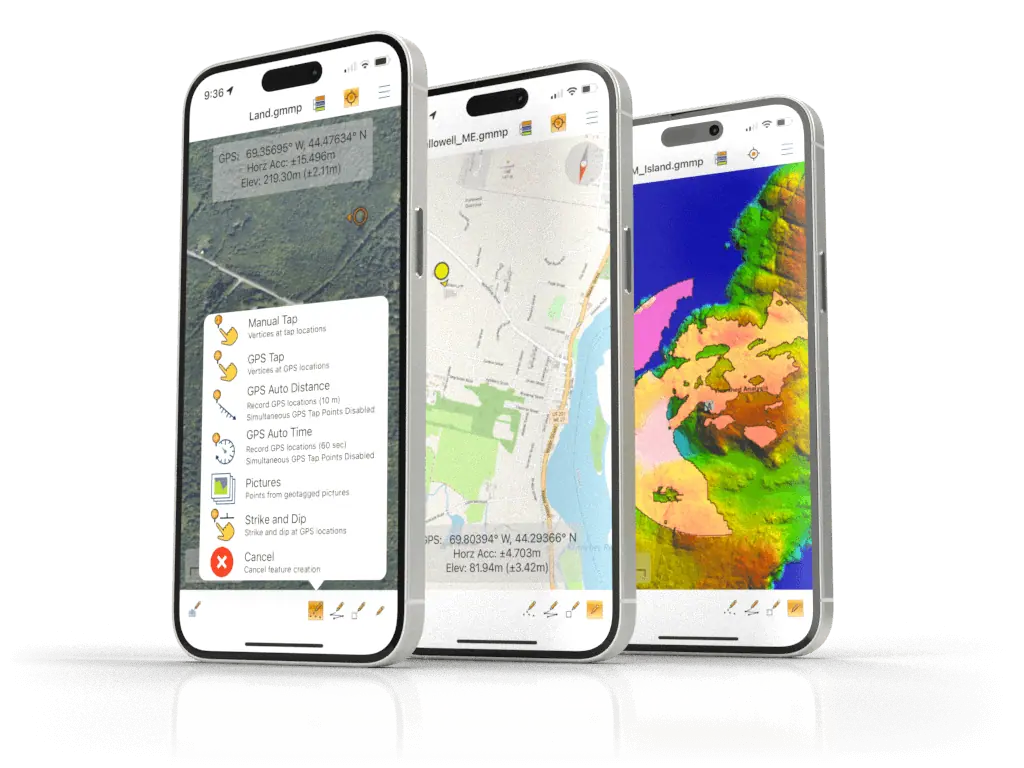
The recent update allows for the automatic recording of elevation data from imported terrain datasets directly to vector features as they are generated. This functionality enhances the accuracy and efficiency of data collection.
Available in both free and Pro versions, the 2.4 update introduces several enhancements, including a Line Trace Mode that simplifies the digitization of line features using a stylus, as well as a new Raster Info tool that reveals pixel values for raster elevation or image data layers.
Pro Module Enhancements
the Pro Module, which requires a yearly subscription, offers advanced mobile mapping capabilities, including new compatibility with Trimble GNSS devices. The previous Pro version allowed users to create viewsheds based on elevation data, but version 2.4 enhances this by enabling users to generate viewsheds directly from their current GPS location without needing to create a point feature first. Additionally, users can save their GPS location as a point feature for future reference.
“Global Mapper Mobile version 2.4 is designed for user-friendliness, improving data rendering efficiency and introducing a digitizer trace mode that allows users to manually draw lines on their mobile device’s touchscreen,” stated Mackenzie Mills, Assistant Product Manager. “In the Pro toolset, we have enhanced existing analysis tools for viewshed and volume calculations to support more methods and starting points, while also expanding and testing advanced GPS device compatibility.”
Seamless Integration with Desktop Version
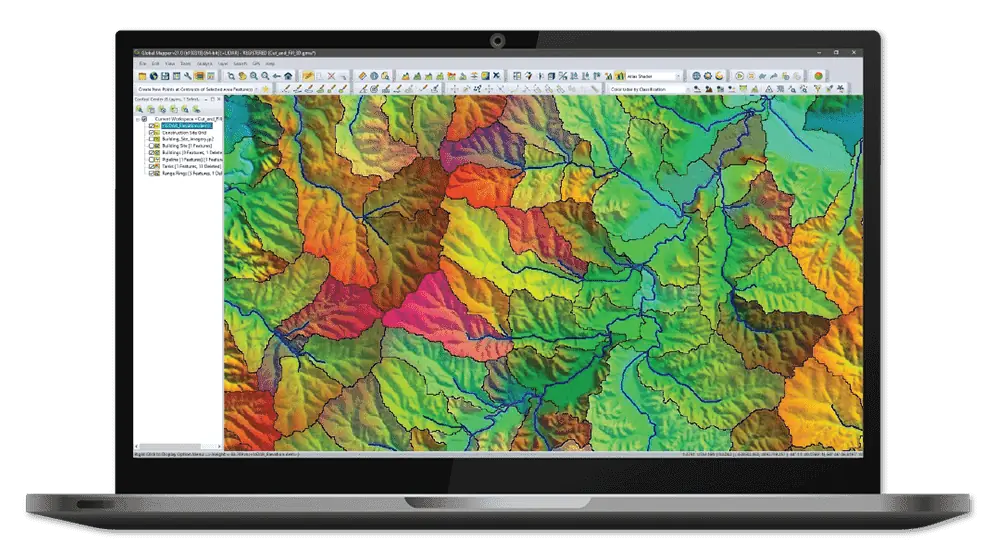
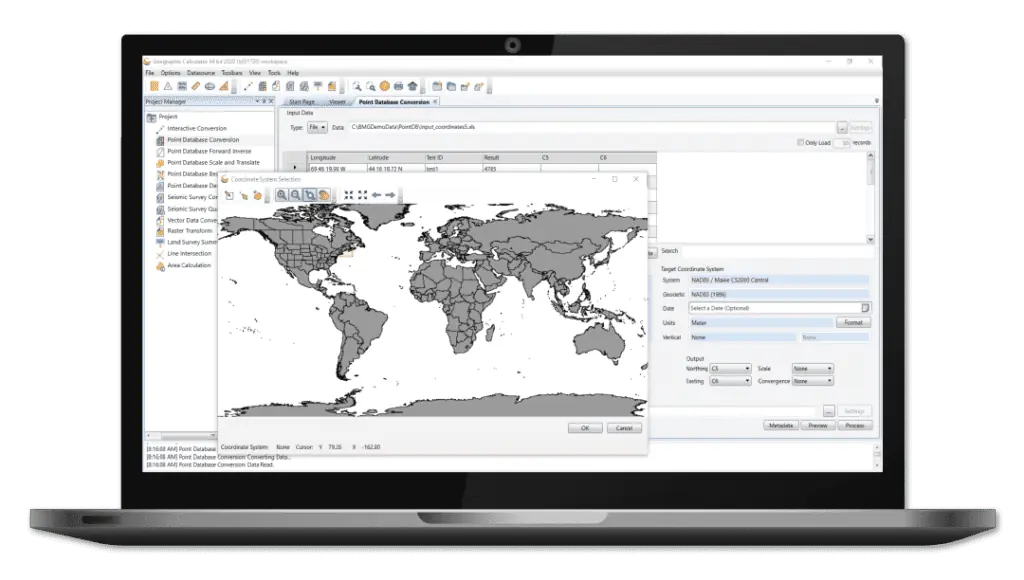
Global Mapper mobile is designed to work in tandem with the desktop version of Global Mapper, creating a unified workflow for data collection and analysis.
Download options
Users can easily download Global Mapper Mobile directly to their devices from Google play (Android) or the App Store (iOS).