

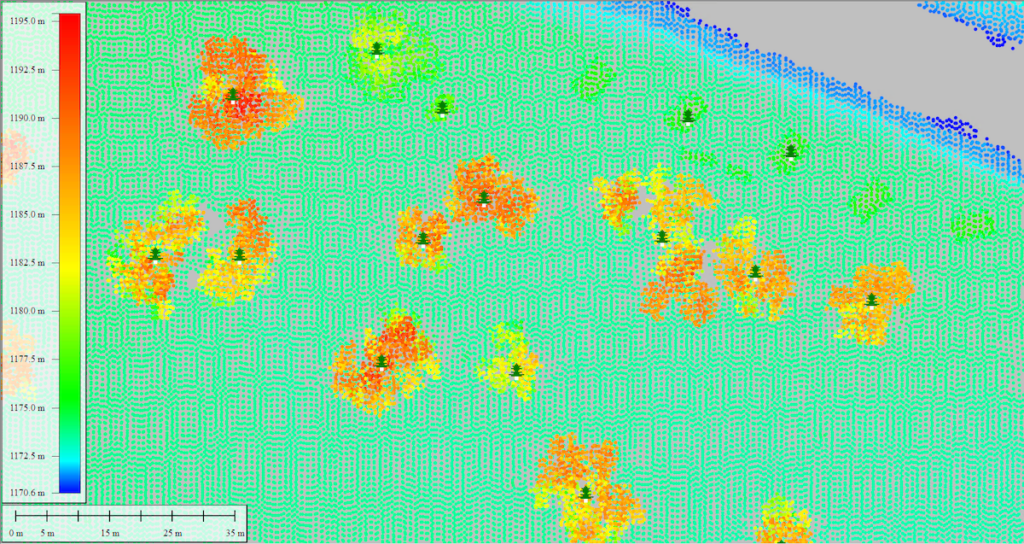
Blue Marble Geographics has unveiled a thorough guide titled “Analyzing Tree height Variations by Comparing Point Clouds to Terrain” utilizing the Compare Point Cloud feature in Global Mapper Pro. Discover more >>
For those keen on assessing the vertical discrepancies between a point cloud and a terrain layer, the Compare point cloud feature has been enhanced in the latest v25.1 update of Global Mapper Pro.
In this updated workflow, Blue Marble Geographics aims to pinpoint trees that have undergone critically important changes. The objectives of the study include:
- Identifying trees that have experienced a notable change.
- Mapping their precise locations.
- Facilitating on-site inspections of the identified trees.
The Compare Point Cloud feature empowers users to modify the ground offset between a point cloud and a terrain surface, serving as a reference point. The recent enhancements enable users to seamlessly compare point clouds with raster terrain layers. This tool now offers a wide array of output options, expanding its potential applications.
Additionally,Blue Marble Geographics explains how users can package lidar data and transfer it to Global Mapper Mobile via a mobile package file. For those interested in modeling tree height from point clouds, the guide “Creating Canopy Height Models from Lidar in Global Mapper pro” is also available.
The study further elaborates on the following aspects:
- Visual Comparison of Lidar and Terrain layers – utilizing the Path Profile tool
- Employing the Compare point Cloud feature
- Automatically Generating One Point Per Tree – through the Automatic Point Cloud Analysis tool
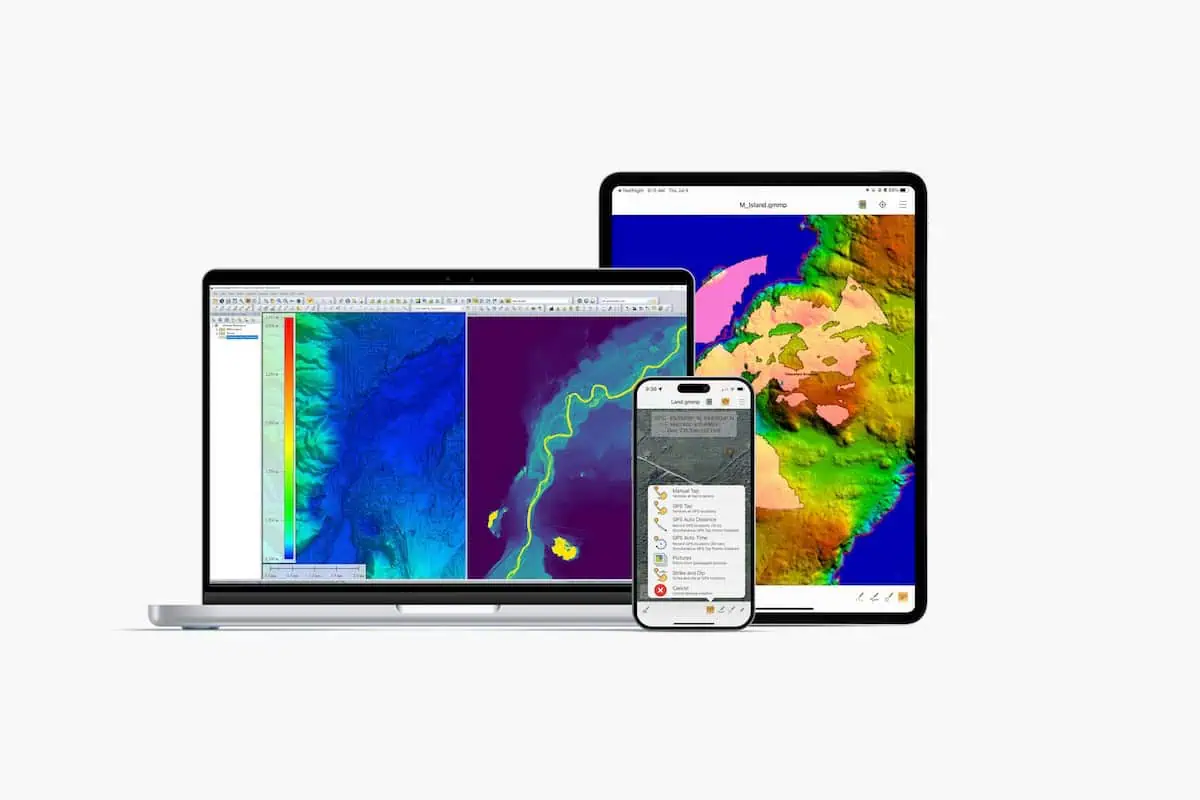
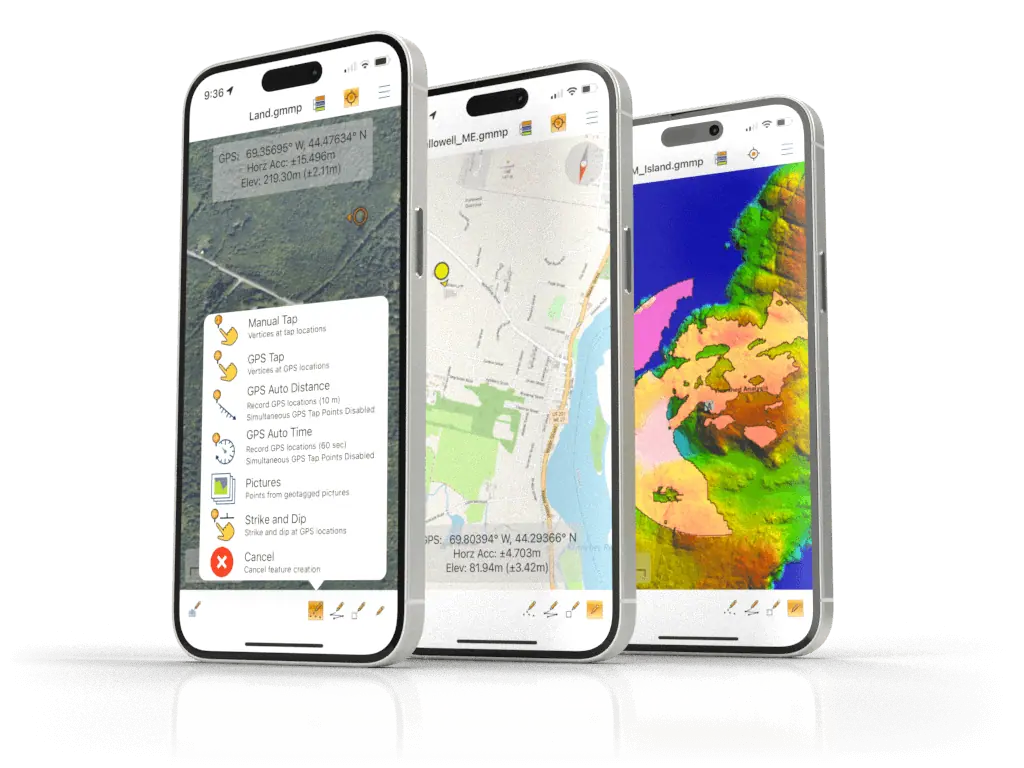
- Transferring Data to Global Mapper Mobile
For more insights into lidar workflows related to forestry, explore “Assessing Tree Height from Lidar.”
To experience the new features in Global Mapper standard and Pro v25.1, download a complimentary 14-day trial today.
Read the complete article here or visit Blue Marble geographics’ website for further details.